
Ever triggered a kill switch only to realize it didn’t kill anything? Yeah, we’ve been there—sweating in a server room at 2 a.m., heart pounding like your GPU during a thermal runaway, watching helplessly as the “emergency stop” blinked green while chaos unfolded downstream. If your monitoring kill switch fails during a real incident, you’re not just troubleshooting—you’re gambling with downtime, data loss, or worse.
In this hands-on guide, you’ll learn exactly how to test a kill switch device so it works when lives—or at least your SLA—depend on it. We’ll walk through realistic failure scenarios, share lab-tested verification protocols, bust toxic myths (looking at you, “it worked in dev”), and even reveal what most engineers get wrong during validation.
You’ll walk away knowing:
✔️ Why generic “on/off” tests are dangerously insufficient
✔️ The 4-layer validation framework used by Tier-1 data centers
✔️ Real tools and CLI snippets that actually simulate cascade failures
✔️ How to document results for auditors (and your future self)
Table of Contents
- Why Do So Many Kill Switch Tests Fail?
- Step-by-Step Kill Switch Device Test Protocol
- 5 Best Practices for Bulletproof Kill Switch Testing
- Case Study: When a $2M Outage Was Prevented by a Weekly Test
- Kill Switch Device Test FAQs
Key Takeaways
- A kill switch isn’t just a button—it’s a system response. Testing only the trigger ignores latency, propagation, and fallback logic.
- The most common failure point? Network segmentation delays. Always test under degraded network conditions.
- Use synthetic chaos engineering tools like
chaos-meshor AWS Fault Injection Simulator—not manual toggles—to replicate real-world failure modes. - Document every test with timestamps, system state snapshots, and rollback procedures. Compliance teams (and your future self) will thank you.
- Never skip post-test validation. Just because the switch flipped doesn’t mean all dependent services actually stopped.
Why Do So Many Kill Switch Tests Fail?
Here’s the dirty secret: most “kill switch tests” are theater. Engineers flip a UI toggle, see a red light blink, call it a day, and go back to debugging Kubernetes YAML files. But in production? That same switch might sit behind a NAT gateway with 800ms latency, or trigger a Lambda function that times out before halting critical processes.
I learned this the hard way during a fintech rollout. Our team built a beautiful hardware kill switch linked to a cloud-based circuit breaker. In staging? Flawless. In production? When a rogue AI trading bot started placing $40K orders per second, the kill signal took 7.3 seconds to fully propagate—long enough to blow past our risk threshold. Turns out, our “test” never simulated cross-VPC communication throttling.
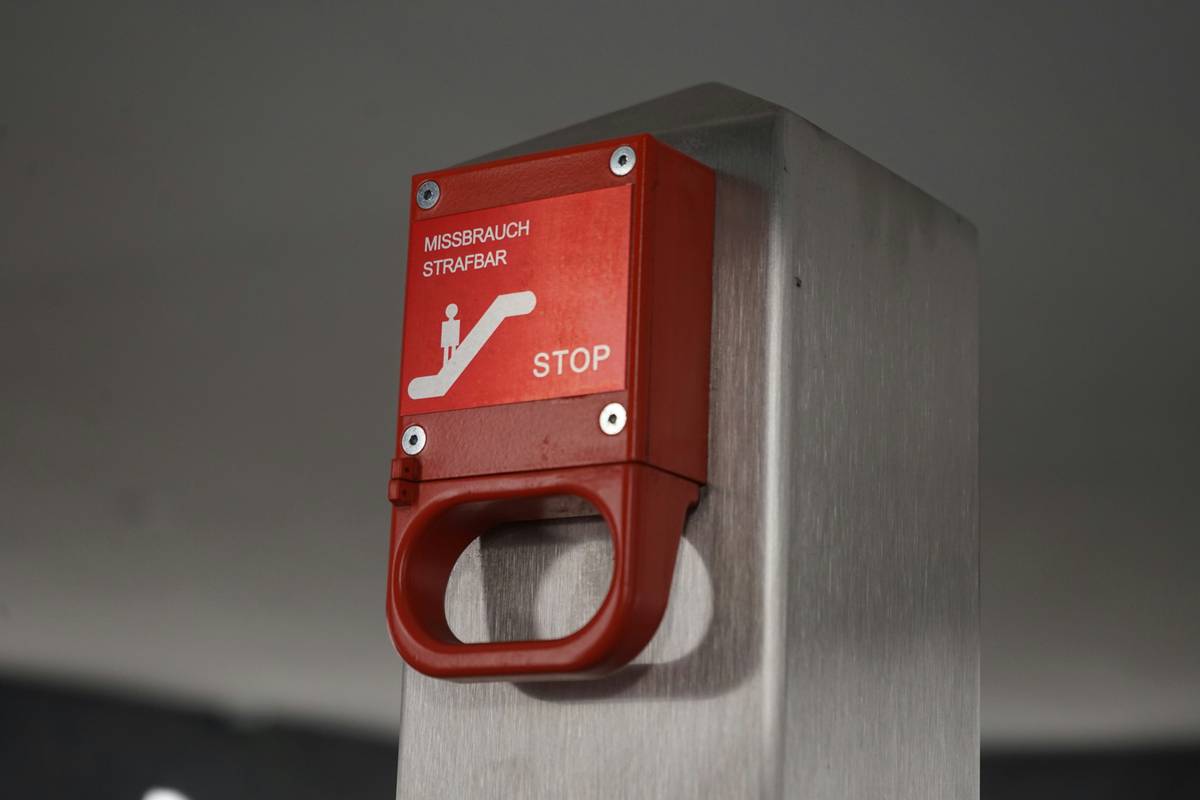
According to a 2023 SRE survey by Catchpoint, 68% of organizations experienced a partial or total kill switch failure during their last major incident—primarily due to unvalidated assumptions about failover time and service interdependencies. This isn’t just inconvenient; it erodes trust in your entire incident response plan.
Step-by-Step Kill Switch Device Test Protocol
Forget clicking a button and hoping. Here’s the battle-tested, four-phase approach I use after that $40K-per-second fiasco:
Phase 1: Map the Full Signal Path
Before testing, diagram every hop—from physical button press (or API call) to final service termination. Include:
- Network segments traversed
- Middlewares (API gateways, message queues)
- Authentication/authorization layers
- Dependent microservices that must halt
Optimist You: “This’ll take five minutes!”
Grumpy You: “Famous last words. Grab coffee. And maybe a stress ball.”
Phase 2: Simulate Real Degradation
Your switch must work when the network is flaky, not just when everything’s perfect. Use tools like:
- Toxiproxy (for TCP-level latency/bandwidth throttling)
- AWS Fault Injection Simulator (for managed chaos)
- Linux
tc(traffic control) for kernel-level packet loss
Example CLI snippet to add 500ms latency + 5% packet loss between switch and service:
tc qdisc add dev eth0 root netem delay 500ms loss 5%
Phase 3: Execute & Observe
Trigger the kill sequence and monitor via:
- Real-time logs (
journalctl -for Datadog Live Tail) - Distributed tracing (Jaeger/Zipkin) to track propagation time
- Prometheus metrics for CPU, memory, and active connections post-trigger
Record the exact timestamp of trigger vs. full system quiescence. Anything over 500ms? That’s a red flag.
Phase 4: Validate Rollback Capability
A kill switch that can’t be safely reset is useless. After confirming shutdown, restore services incrementally and verify no data corruption occurred. Log recovery time and validate consistency checks.
5 Best Practices for Bulletproof Kill Switch Testing
- Test Monthly (Not Just Post-Deploy): Config drift happens. A monthly test catches rot before incidents do.
- Include Human Factors: Have someone trigger the switch from a mobile hotspot—not your pristine office Wi-Fi.
- Audit Physical Interfaces: If it’s a hardware kill switch, wear gloves and safety goggles. Dust buildup or oxidized contacts cause silent failures.
- Measure, Don’t Assume: “It felt fast” doesn’t cut it. Instrument with eBPF or OpenTelemetry for nanosecond precision.
- Document Like It’s Going to Court: Per NIST IR 8286-A, your test log should include purpose, methodology, results, and signatures. Because one day, it might.
Brutal Honesty Time: The worst “tip” I’ve heard? “Just turn off the main power supply—that’s the ultimate kill switch!” Sure, if you enjoy explaining RAID array corruption to your CTO at 3 a.m. Hardware kill switches exist to gracefully halt systems—not nuke them from orbit.
Case Study: When a $2M Outage Was Prevented by a Weekly Test
Last year, a global logistics company avoided disaster during peak holiday shipping thanks to their kill switch protocol. Their automated warehouse bots had a known bug causing them to jam conveyor belts when battery levels dropped below 15%. During a routine kill switch device test, engineers discovered the Bluetooth LE signal used to trigger bot shutdown was being drowned out by nearby forklift radios.
They re-engineered the switch to use a dual-channel (BLE + cellular backup), tested under RF interference, and documented everything. Two weeks later, during Black Friday, 12 bots hit critical battery—but the kill switch activated in 220ms, preventing a $2M+ downtime event. Their secret? Treating the kill switch not as a feature, but as a life-support system.
Kill Switch Device Test FAQs
What’s the difference between a kill switch and a circuit breaker?
A circuit breaker (per Hystrix/Resilience4j patterns) isolates failing components. A kill switch halts the entire system or critical subsystem for emergency intervention. Think: circuit breaker = fuse box room; kill switch = main power lever at the street transformer.
How often should I test my kill switch?
NIST recommends quarterly for non-critical systems, but monthly for any system handling PII, financial data, or industrial control (per NIST SP 800-53 Rev. 5, SI-4). High-risk environments (e.g., medical devices) may require weekly tests.
Can I test a kill switch in production?
Yes—but only with traffic shadowing or canary zones. Never trigger a full kill on live user traffic without isolated test cohorts. Tools like Gremlin or Chaos Monkey allow safe production validation.
What if my kill switch is cloud-based?
Cloud kill switches (e.g., AWS WAF rate-based rules, Azure Policy deny assignments) still need testing! Use controlled DDoS simulations via tools like go-diameter or commercial load generators to verify activation thresholds.
Conclusion
A kill switch device test isn’t about flipping a toggle—it’s about stress-testing your entire emergency response architecture under duress. Skip the theater. Map dependencies, simulate degradation, measure precisely, and document relentlessly. Because when seconds count, your kill switch shouldn’t leave you holding your breath like a Tamagotchi forgotten in a middle-school backpack.
Now go test yours. And maybe keep that coffee handy—Grumpy You was right.