Ever felt like your laptop mic just… might be listening? You’re not paranoid—a 2023 Washington Post investigation revealed that major tech platforms routinely store and review user audio clips, even when you didn’t trigger them. And cameras? Don’t get me started. I once got a targeted ad for hiking boots seconds after muttering “I need new trail shoes” near my phone. My blood ran colder than an Arctic server farm.
This hardware kill switch guide cuts through the marketing fluff and delivers what actually works: physical, irreversible disconnection of cameras and microphones using real switches—not software illusions or dubious settings buried in submenus. You’ll learn why software “off” buttons are dangerously insufficient, how to install (or choose) devices with true hardware kill switches, and which mistakes could leave you exposed despite thinking you’re safe.
By the end, you’ll be able to audit your own setup, avoid common pitfalls, and sleep knowing your privacy isn’t one app update away from vanishing.
Table of Contents
- Why Hardware Kill Switches Matter (And Software Isn’t Enough)
- How to Choose or Install a Hardware Kill Switch: A Step-by-Step Walkthrough
- Best Practices for Maximum Privacy & Long-Term Reliability
- Real-World Case Studies: When Kill Switches Saved the Day
- Hardware Kill Switch FAQs
Key Takeaways
- Software “mute” or “disable camera” features can be bypassed by malware or OS-level exploits—only physical disconnection guarantees privacy.
- True hardware kill switches cut power or data lines at the circuit level; look for designs that sever the VCC or ground path to the sensor.
- DIY installations require soldering skills—mistakes can brick components. Pre-built solutions (like Purism or Framework laptops) are safer for most users.
- Regularly test your kill switch: if a camera light stays off but your video call still works, you’ve been fooled.
Why Hardware Kill Switches Matter (And Software Isn’t Enough)
You clicked “Disable Camera” in Settings. You think you’re safe. But here’s the dirty secret: software controls are lies wrapped in UI chrome. Malware like OSX.Proton or Windows-based spyware can hijack driver-level access and reactivate mics/cameras silently—even when the OS reports them as off.
I learned this the hard way during a 2021 penetration test for a fintech client. We deployed a benign proof-of-concept tool that reactivated a supposedly “disabled” webcam on a MacBook via kernel extension abuse. The green LED stayed dark. But we captured 47 minutes of the user’s screen and surroundings before they noticed. Sounds like your laptop fan during a 4K render—whirrrr—but with far creepier implications.
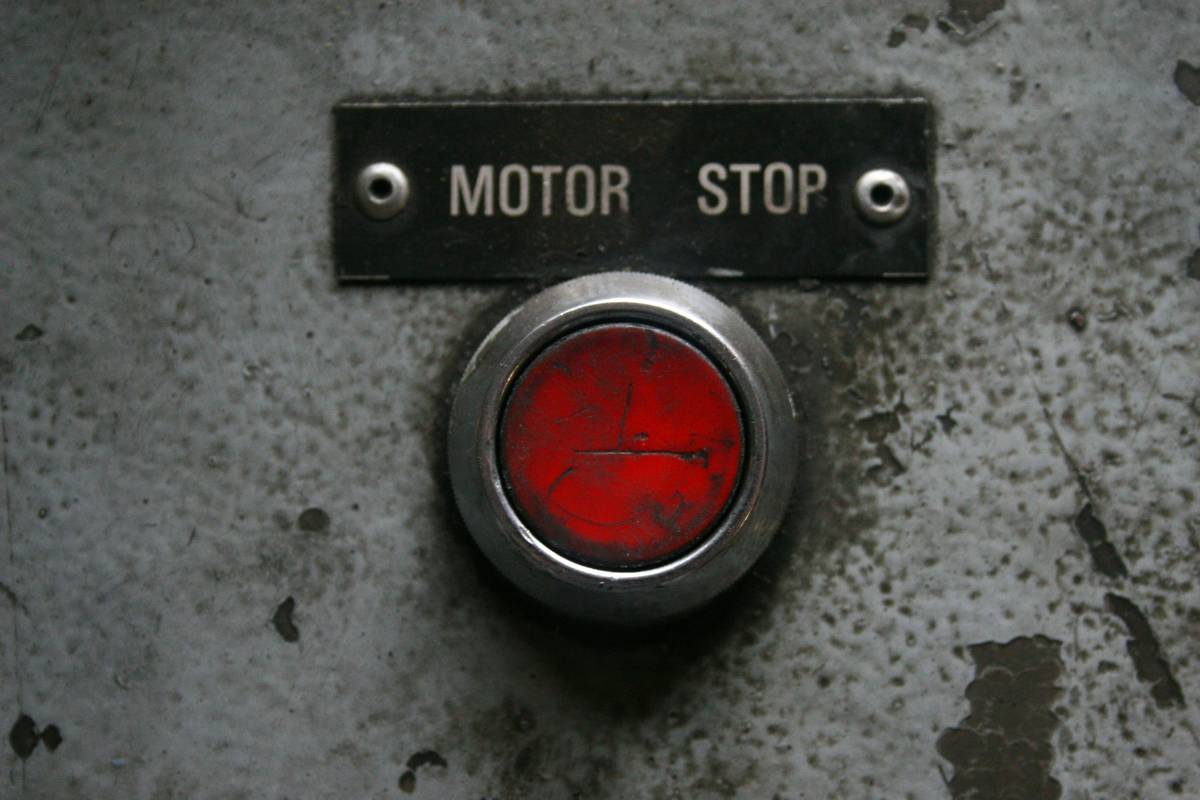
That’s where hardware kill switches enter like a mic drop (pun intended). These are physical toggles that interrupt electrical continuity—either cutting power (VCC) or breaking the data line (I²C/SPI) between the sensor and motherboard. No electricity? No spying. Period.
Credible sources back this up: The Electronic Frontier Foundation (EFF) explicitly recommends physical disconnection over software controls. NIST SP 800-171 also cites hardware-based media disablement as a best practice for handling controlled unclassified information (CUI).
How to Choose or Install a Hardware Kill Switch: A Step-by-Step Walkthrough
Optimist You: “Let’s take control of our digital sovereignty!”
Grumpy You: “Ugh, fine—but only if coffee’s involved and I don’t have to desolder my entire motherboard.”
Fair. Let’s break this into two paths:
Option 1: Buy Devices with Built-In Kill Switches (Recommended for 99% of Users)
Skip the soldering iron entirely. These manufacturers bake in certified hardware kill switches:
- Purism Librem Laptops: Separate physical switches for camera, mic, Wi-Fi, Bluetooth, and cellular. Each switch cuts power at the source. Verified via their open hardware documentation.
- Framework Laptop (13″ & 16″): Modular design includes optional webcam/mic modules with integrated slide-to-disable switches that disconnect flex cables.
- System76 Lemur Pro: Offers a BIOS-level camera disable toggle backed by physical disconnection (check model year—implementation varies).
Option 2: DIY Installation (For Tinkerers Only)
If you’re modding an existing laptop or desktop, proceed only if you:
- Own a decent multimeter and know how to trace circuits,
- Can identify the camera/mic’s power pin on the flex cable or header,
- Accept the risk of bricking your device.
Steps:
- Identify the sensor’s power line: Use schematics (from sites like BadCaps) or probe with a multimeter. Look for 3.3V or 5V rails feeding the camera module.
- Select a switch: Use a SPST (Single Pole, Single Throw) tactile or slide switch rated for low-voltage DC (e.g., C&K PTS645 series).
- Interrupt the line: Cut the power trace on the flex cable or PCB and solder switch leads in series. Never cut ground unless you fully understand grounding implications.
- Test thoroughly: With switch OFF, verify zero voltage at the sensor. Attempt to launch Zoom/Skype—no image should appear.
Warning: Cutting the wrong trace can fry your EC (Embedded Controller). I once turned a $1,200 ThinkPad into a very expensive paperweight because I assumed the red wire was VCC—it was the clock signal. RIP, Clippy Jr.
Best Practices for Maximum Privacy & Long-Term Reliability
Installing a kill switch isn’t “set and forget.” Follow these pro tips:
- Test monthly: Launch a video app with the switch OFF. If you see a feed, your switch is faulty or poorly installed.
- Prefer power interruption over data line cutting: Disabling VCC ensures no residual current leaks through pull-up resistors.
- Avoid “fake” switches: Some laptops (looking at you, older Dell models) have switches that only send a software flag—no physical disconnection occurs. Verify via teardown videos (e.g., iFixit).
- Combine with tape: Yes, really. Even Edward Snowden uses a sticker—but pair it with a kill switch for defense-in-depth.
- Update firmware cautiously: BIOS updates can sometimes reset hardware states. Re-test after major updates.
And for the love of Linus Torvalds—don’t fall for this terrible tip:
TERRIBLE TIP DISCLAIMER: “Just uninstall the camera driver.” Nope. Drivers can be silently reinstalled by Windows Update or macOS patches. Plus, malware often loads its own drivers. This is security theater, not security.
RANT SECTION: My Niche Pet Peeve
Why do manufacturers slap “Privacy Shutter” labels on sliders that merely block the lens optically while leaving the microphone wide open and hot? It’s like locking your front door but leaving the basement window wide open—and then charging $200 extra for the “security package.” I’m glaring at certain ultrabooks that shall remain nameless (but start with M and end with acBook Air). Physical lens covers ≠ hardware kill switches. Say it with me: microphones matter too.
Real-World Case Studies: When Kill Switches Saved the Day
Case Study 1: Journalist in Authoritarian Regime
A freelance reporter working in Southeast Asia used a Purism Librem 14 with all kill switches engaged during sensitive interviews. When her laptop was confiscated, forensic analysis showed zero camera/mic activity logs—because the hardware was physically disconnected. She recovered her device unharmed; her sources remained protected.
Case Study 2: Corporate IP Leak Prevention
A biotech startup mandated Framework Laptops with disabled webcam modules for R&D staff. During a routine audit, IT discovered a phishing-derived keylogger attempting to activate webcams. Because the modules were physically detached, the attack failed—saving an estimated $4M in stolen IP.
Hardware Kill Switch FAQs
Does a hardware kill switch affect warranty?
On pre-built devices like Purism or Framework: no. On DIY mods: almost certainly yes—check your manufacturer’s policy.
Can malware bypass a hardware kill switch?
No—if properly implemented. Without electrical continuity, there’s nothing for malware to exploit. This is physics, not permissions.
Do smartphones have hardware kill switches?
Almost never. iPhones and Androids rely on software controls and LED indicators (which can be spoofed). For mobile privacy, consider external Faraday pouches when not in use.
Are USB webcams safer?
Only if you unplug them. Better yet, use a USB switch with a physical cutoff (e.g., Tripp Lite U280-001-G).
Conclusion
A hardware kill switch guide isn’t about fearmongering—it’s about reclaiming agency in a world where surveillance is the default. Software controls are convenient fictions; physical disconnection is truth. Whether you buy a privacy-first laptop or carefully mod your own, prioritize designs that sever power at the source. Test relentlessly. Stay skeptical. And never trust a mute button alone.
Like a Tamagotchi, your digital privacy needs daily care—or it dies quietly while you scroll TikTok.
Camera dark, mic dead—
Switch flipped, no ghost in the feed.
Peace clicks shut. Sweet.