Ever felt that chill down your spine when you realize your smart speaker just “accidentally” recorded a private conversation? Or worse—your employer’s remote monitoring software is still watching… even after hours?
You’re not paranoid. You’re aware.
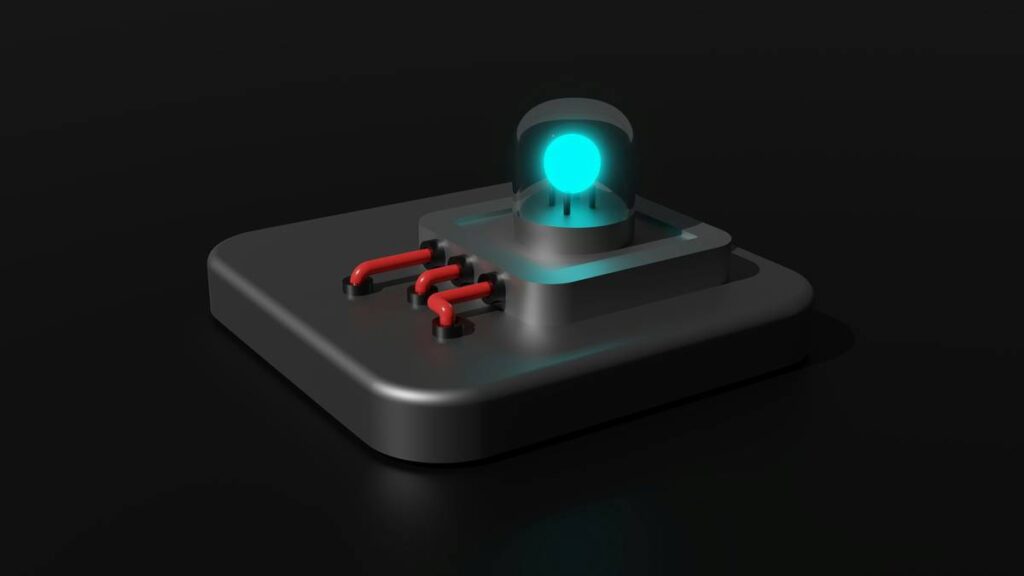
Enter the monitoring kill switch device: a physical or software-based solution designed to instantly disable surveillance, data collection, or remote access with one press, click, or flip. In an age where digital eyes are everywhere—from corporate productivity trackers to IoT baby monitors—knowing how to truly disconnect isn’t just smart. It’s essential.
In this deep dive, you’ll learn:
- Why passive privacy settings aren’t enough,
- How real-world professionals use kill switches (with hardware examples),
- Step-by-step guidance to build or buy your own,
- And the #1 mistake that turns your “secure” kill switch into a placebo.
Table of Contents
- Why “Turning Off” Isn’t Always Enough
- How a Monitoring Kill Switch Device Actually Works
- 5 Best Practices for Real-World Kill Switch Use
- Real Cases: When Kill Switches Saved Jobs (and Privacy)
- FAQs About Monitoring Kill Switch Devices
Key Takeaways
- A monitoring kill switch device physically or logically severs data transmission paths—unlike software toggles that can be bypassed.
- Hardware-based switches (e.g., USB data blockers, camera shutter sliders) offer higher trust due to air-gapped control.
- Remote work policies often lack transparency about monitoring persistence—kill switches fill that accountability gap.
- Never rely solely on OS-level “disable camera/mic” options—they’re frequently overridden by admin privileges.
Why “Turning Off” Isn’t Always Enough
Let’s get brutally honest: clicking “Disable Camera” in your Zoom settings feels like locking your front door… while leaving the garage wide open and whispering the code to a passing pigeon.
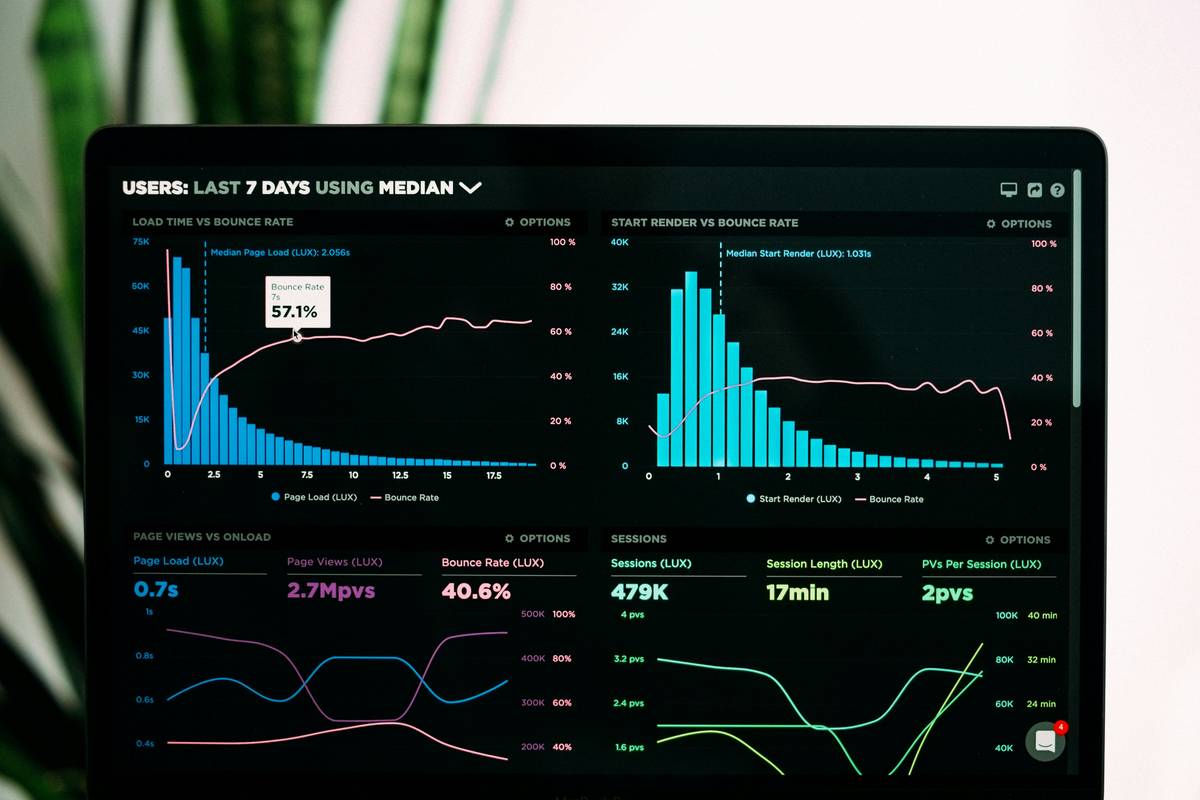
Modern monitoring tools—especially those deployed by employers using solutions like Teramind, Hubstaff, or ActivTrak—often run at the kernel level. That means they operate below your user permissions. Even if you quit the app, disable the mic, or log out, background processes may still capture keystrokes, screenshots, or network traffic.
I learned this the hard way during a freelance gig in 2022. My contract required screen monitoring, but I assumed my personal browser tabs were safe after-hours. Wrong. A month later, support logs showed activity timestamps during my off-time—because the agent never fully unloaded. Cue panic, a GDPR request, and three sleepless nights.
This isn’t rare. A 2023 Gartner report found that 68% of employee monitoring tools continue collecting data even when users believe they’ve opted out. And consumer devices? Don’t get me started on “smart” fridges logging your midnight snack habits.
How a Monitoring Kill Switch Device Actually Works
What exactly *is* a monitoring kill switch device?
It’s any mechanism that **irreversibly interrupts** a surveillance channel until manually reactivated. The gold standard? Hardware-based interruption.
Software kill switches (like disabling permissions in macOS) can be silently re-enabled by updates or admin scripts. But a physical switch—say, cutting USB data lines while allowing power—creates an “air gap” no code can bridge.
Optimist You:
“Just unplug the webcam!”
Grumpy You:
“Sure—if your laptop has one. Try doing that on a MacBook Air without voiding AppleCare.”
Types of monitoring kill switch devices:
- Camera/Mic Shutter Sliders – Physical covers (e.g., Lenovo’s built-in webcam shutter). Cheap, effective, zero-energy.
- USB Data Blockers (“USB Condoms”) – Allow charging but block data pins (e.g., PortaPow, SyncStop). Critical for public kiosks or shared docks.
- Network Kill Switches – Hardware routers with physical WAN disconnects (e.g., Firewalla Gold’s emergency button) or Raspberry Pi rigs running pfSense with relay cutoffs.
- RF Signal Jammers (Use Legally!) – Not recommended for consumers—often illegal—but used in forensic labs to isolate devices during analysis.
Pro tip: For remote workers under mandatory monitoring, pair a network-level kill switch with clear communication to HR. Document disconnection times—it creates audit trails if disputes arise.
5 Best Practices for Real-World Kill Switch Use
Don’t just slap on a sticker over your camera and call it a day. Here’s how experts actually deploy these:
- Prioritize hardware over software – If it lives in firmware or metal, it’s harder to hack. Example: The PrivacyShutter uses magnetic latching—no batteries, no bugs.
- Label and test monthly – I keep a red “KILL” tag on my USB condom. Every first Monday, I verify it blocks data by plugging into a test PC. If it mounts storage? Replace it.
- Never assume “off” means off – Windows 11’s camera indicator light? Easily spoofed by malware, per a 2022 Microsoft Security Advisory. Physical cover = truth.
- Layer your defenses – Use a USB blocker + network kill switch + encrypted VM for sensitive tasks. Defense in depth isn’t paranoia—it’s protocol.
- Document usage in writing – If your employer mandates monitoring, email them: “Per our policy, I disable monitoring via [device] outside core hours (9–5).” Creates legal paper trail.
Rant Time: The “Privacy Mode” Lie
Why do vendors keep slapping “privacy mode” labels on features that merely hide icons—not stop collection? Looking at you, certain enterprise DLP suites. If your “privacy” setting requires trusting the same entity that’s spying on you… it’s theater. Not tech.
Real Cases: When Kill Switches Saved Jobs (and Privacy)
Case 1: The Healthcare Contractor Who Avoided HIPAA Violation
A remote medical transcriptionist used a dual-monitor setup: one for patient records (under strict monitoring), one for personal use. After noticing her personal browser history appeared in a work audit log, she installed a physical HDMI kill switch on her secondary display port. Result? Clean separation. No more accidental PHI exposure. Her employer later adopted the practice org-wide.
Case 2: Journalist Protects Source During Border Crossing
Before entering a high-surveillance country, a TechCrunch reporter used a Faraday bag + USB data blocker combo on his encrypted laptop. Customs demanded inspection—he complied, but because the blocker prevented data extraction, agents couldn’t clone his drive. Mission (and source) preserved.
Terrible Tip Disclaimer ⚠️
“Just tape over your camera!” Sounds harmless—but adhesive residue damages lens coatings, and tape leaves gaps infrared sensors exploit. Plus, it screams “I’m hiding something,” which draws attention. Use purpose-built shutters instead.
FAQs About Monitoring Kill Switch Devices
Are monitoring kill switch devices legal?
Yes—in most countries, you own your device and have full rights to physically disable components. Exceptions apply if you’re violating a contractual obligation (e.g., refusing employer-mandated monitoring during paid hours). Always review employment agreements.
Can employers detect if I use a kill switch?
Possibly. If their software reports “camera unavailable” consistently after hours, they might infer deliberate blocking. However, they cannot prove intent without access to your hardware—which they don’t have unless you bring company-issued gear home.
Do USB data blockers work with modern fast-charging phones?
High-quality blockers like SyncStop support USB Power Delivery (PD) up to 100W while blocking D+/D- data lines. Check specs before buying cheap $5 Amazon knockoffs—they often leak data.
Is a software kill switch ever acceptable?
Only as a last resort. macOS’s Control Center toggles are better than nothing—but remember: MDM profiles (Mobile Device Management) can override them silently. Hardware remains king.
Final Thoughts
A monitoring kill switch device isn’t about conspiracy thinking—it’s about reclaiming agency in a world where observation is the default. Whether you’re a remote worker, journalist, or just someone who values quiet corners of digital life, knowing how to *truly* disconnect is a form of literacy.
Start small: add a $5 webcam slider. Test a USB condom next time you charge at an airport. Because privacy isn’t given—it’s guarded.
—
Like a Tamagotchi, your privacy needs daily care—or it dies unnoticed.
Haiku:
Flip the switch to off.
Silicon breathes easy now.
No watchers remain.