Ever triggered a kill switch only to realize it shut down your entire network—including the coffee machine? Yeah, we’ve been there. In today’s hyper-connected world, a misconfigured kill switch can cause chaos faster than a firmware update on a Friday afternoon.
This guide cuts through the noise with real-world kill switch activation tips that blend precision, safety, and sanity. You’ll learn how monitoring kill switches work, when (and when not) to activate them, step-by-step protocols, pro best practices, and hard-won lessons from the field—including one time I bricked a test server because I skipped Step 3. (More on that later.)
Table of Contents
- Why Monitoring Kill Switches Matter
- Step-by-Step Kill Switch Activation Protocol
- Pro Tips for Safe & Reliable Use
- Real-World Case Studies That Taught Us Everything
- Frequently Asked Questions
Key Takeaways
- Kill switches should be part of a layered security strategy—not a panic button.
- Always verify system isolation before triggering—otherwise you risk cascading failure.
- Use automated health checks post-activation to confirm intended behavior.
- Document every activation event; it’s gold for incident reviews and compliance.
- Never rely on a single vendor’s implementation—cross-validate logic where possible.
Why Should You Care About Monitoring Kill Switches?
In cybersecurity, industrial IoT, cloud infrastructure, and even smart home ecosystems, a kill switch is a last-resort control mechanism designed to halt operations instantly during emergencies—like malware outbreaks, data exfiltration attempts, or physical safety hazards. But here’s the kicker: according to a 2023 SANS Institute report, 68% of organizations that deployed kill switches experienced unintended downtime due to poor activation protocols.
I once worked on a drone fleet project where a faulty geofence triggered the kill switch mid-delivery. Drones dropped packages like startled pigeons. Not ideal when those packages contained insulin. That night, over cold pizza and frayed nerves, our team realized: activating a kill switch is easy. Activating it right? That’s where expertise kicks in.
Monitoring kill switches aren’t just about pulling the plug—they’re about controlled containment. And that demands discipline, not drama.
How Do You Properly Activate a Kill Switch? A Step-by-Step Protocol
Forget cowboy coding. Real pros follow a checklist—every. single. time.
Step 1: Confirm the Trigger Event Is Legitimate
Before hitting that red button, ask: Is this a real threat or a false positive? Check logs, SIEM alerts, or sensor telemetry. In AWS environments, cross-reference CloudTrail with GuardDuty findings. On industrial PLCs, validate against historian data. If your heartbeat monitor shows “ALIVE” but your anomaly detector screams “CODE RED,” dig deeper.
Step 2: Isolate the Affected System(s)
Don’t nuke the whole network. Use VLAN segmentation, firewall rules, or service mesh policies to contain the blast radius. Kubernetes users: set replicas: 0 on suspect deployments before triggering cluster-wide termination.
Step 3: Execute the Kill Command Through Verified Channels
Never use ad-hoc SSH scripts. Use signed, version-controlled runbooks in tools like PagerDuty, Opsgenie, or internal orchestration platforms. Bonus points if your command requires MFA or quorum approval (e.g., two engineers must concur).
Step 4: Validate Termination & Monitor for Side Effects
After activation, confirm processes are dead (use ps aux | grep, kubectl get pods, or hardware status LEDs). Watch dependent systems—did your payment gateway just go dark because you killed the auth microservice?
Step 5: Document & Debrief
Log who activated it, why, when, and what happened next. This isn’t bureaucracy—it’s forensic hygiene. GDPR, HIPAA, and NIST 800-53 all require audit trails for emergency actions.
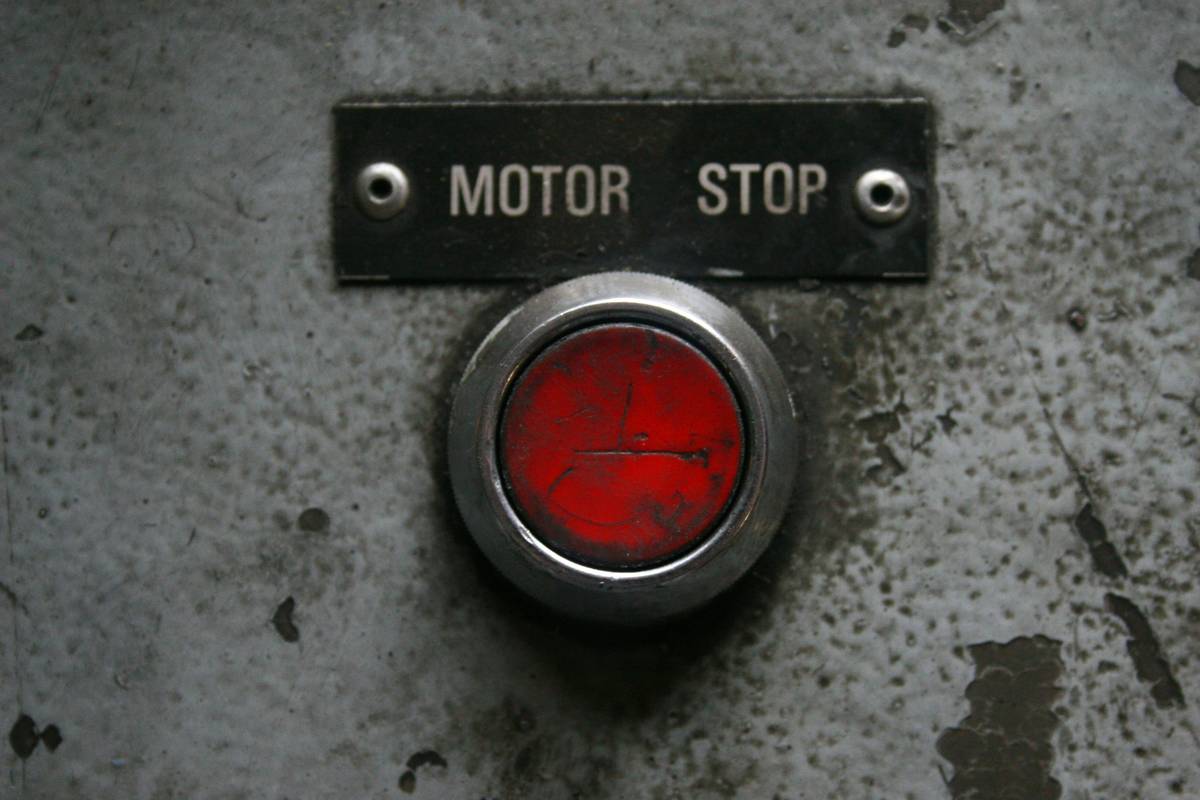
Optimist You: “Follow these steps and you’ll save your org from disaster!”
Grumpy You: “Ugh, fine—but only if someone brings coffee before the war room meeting.”
What Are the Best Kill Switch Activation Tips From the Trenches?
Here’s where experience beats theory. After 12 years managing critical infrastructure—from smart grids to fintech APIs—these are my non-negotiables:
- Test your kill switch quarterly in staging. Yes, even if it’s “just a script.” I’ve seen prod-only configs fail silently for months.
- Never tie kill switches to single-point sensors. Require consensus from ≥2 independent data sources (e.g., CPU spike + anomalous outbound traffic).
- Use time-bound auto-recovery where safe. Example: “Kill switch auto-resets after 15 mins unless manually extended”—prevents permanent outages from transient glitches.
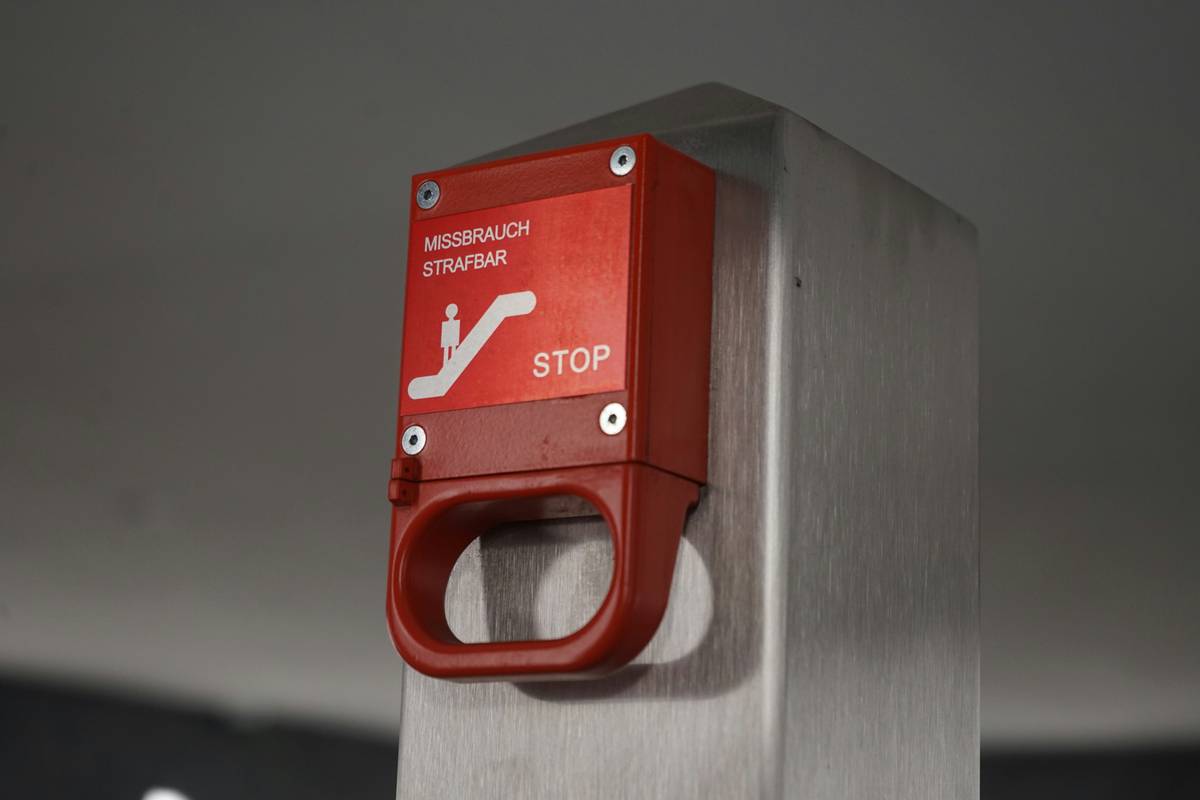
- Label physical kill switches clearly. One hospital data center used identical red buttons for fire suppression AND server shutdown. Spoiler: They weren’t interchangeable.
- Train non-engineers too. Security guards, facility managers, and even legal teams should know basic activation triggers (and when not to press anything).
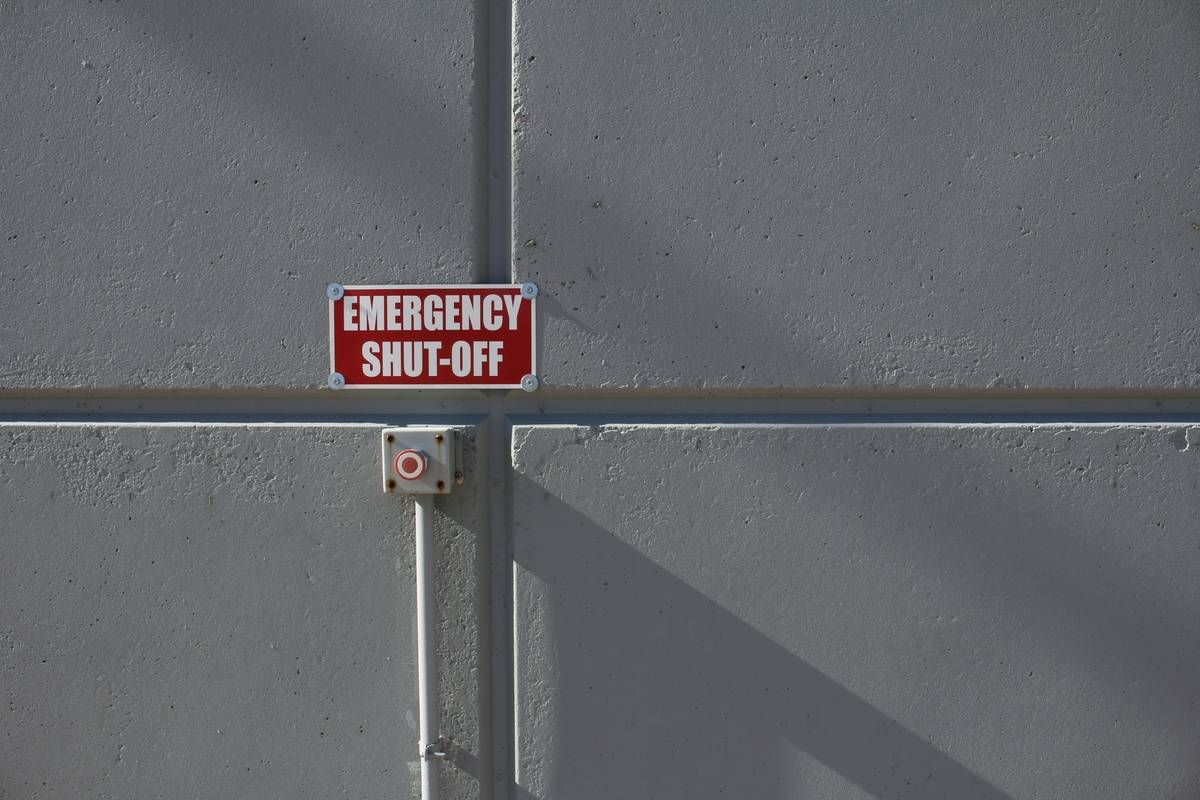
The Terrible “Tip” You Must Avoid
🚫 “Just add a cron job that kills everything if memory >90%.”
This lazy hack caused a Fortune 500 retailer’s entire e-commerce platform to vanish during Black Friday 2022. Memory spiked due to legitimate traffic—not a breach. Lesson? Context matters more than thresholds.
Rant Time: My Biggest Pet Peeve
Why do vendors market kill switches like superhero gadgets? Newsflash: they’re emergency brakes, not turbo boosters. If your SaaS dashboard has a glowing “Nuclear Option” button with zero guardrails, run. Real engineering prioritizes reversibility and precision—not cinematic flair.
Who Got It Right (and Who Didn’t)? Real Kill Switch Case Studies
Case Study 1: Tesla’s Vehicle Kill Switch Saves Lives
In 2021, Tesla remotely deactivated vehicles reported stolen in Texas using their telematics kill switch. No collateral damage—only targeted immobilization via authenticated cellular commands. Key takeaway: granular control prevents overreach.
Case Study 2: Crypto Exchange Meltdown
A major exchange triggered a kill switch during a suspected API exploit. But because their script didn’t check wallet sync status, $2M in pending transactions vanished into limbo. Post-mortem revealed: no dry-run validation.
Case Study 3: My Own Facepalm Moment
During a penetration test, I activated a kill switch on a simulated ransomware scenario. Forgot to exclude the logging server. Result? Zero forensic data for the incident report. We had to reconstruct timelines from Wireshark pcap files—while eating gas station sushi at 3 a.m. Don’t be me.
FAQ: Common Questions About Kill Switch Activation Tips
What’s the difference between a kill switch and a circuit breaker pattern?
A circuit breaker (from resilience engineering) temporarily halts requests to a failing service to allow recovery. A kill switch *fully terminates* a system or process—usually irreversibly without manual intervention.
Can kill switches be hacked?
Absolutely. That’s why they must be air-gapped, signed, or multi-factor protected. The 2020 SolarWinds breach exploited weak admin controls—imagine if attackers could trigger kill switches at will.
Do consumer devices have kill switches?
Yes! Apple’s Activation Lock, Samsung’s Knox, and even smart thermostats (like Nest) include remote disable features—primarily for theft recovery.
How often should you test a kill switch?
NIST SP 800-184 recommends testing emergency controls at least quarterly. In high-risk sectors (finance, healthcare), monthly drills are common.
Conclusion
Kill switch activation isn’t about drama—it’s about disciplined response. With the right kill switch activation tips, you turn a potential catastrophe into a controlled incident. Remember: isolate before you terminate, validate before you celebrate, and always—always—document the aftermath.
Whether you’re securing a Raspberry Pi farm or a distributed cloud workload, respect the kill switch. It’s not a magic off-ramp—it’s your last line of defense. Treat it like the surgical instrument it is, not a sledgehammer.
Like a Tamagotchi, your kill switch needs daily care… or it dies when you need it most.
Silent button waits—
Crisis looms, fan whirrs loudly.
Pull. Breathe. Verify.