Most “secure” VPNs are one misconfiguration away from catastrophic data leaks. You install it, flip the switch—and assume you’re invisible. But what if your traffic silently reroutes through your ISP when the tunnel drops? That’s not paranoia. It’s happened to thousands. The fix isn’t just choosing a provider—it’s hardening your entire stack with kill switches that actually work.
Why Your Default Kill Switch Is Probably Useless
Out-of-the-box kill switches in consumer VPN apps look reassuring—but they’re often superficial. They block internet access only after detecting a disconnection. By then, your DNS queries or active sessions may have already leaked.
And OS-level firewalls rarely enforce strict egress rules unless manually tuned. Think about it: if your laptop reconnects to Wi-Fi before the VPN re-establishes, milliseconds matter. Real protection demands pre-emptive packet filtering—not reactive alerts.
vpn security setup guide: A No-Nonsense Implementation Walkthrough
Forget “easy buttons.” True security requires layered control. Below is a battle-tested approach combining software, network rules, and verification.
Step 1: Choose a Protocol That Supports Reliable Kill Switching
WireGuard beats OpenVPN here—leaner code, faster handshake, cleaner state management. Its session model makes detecting dead tunnels more deterministic. Not all providers support it natively, though. Prioritize those that do.
Step 2: Enforce Firewall-Based Egress Blocking (Pre-Kill)
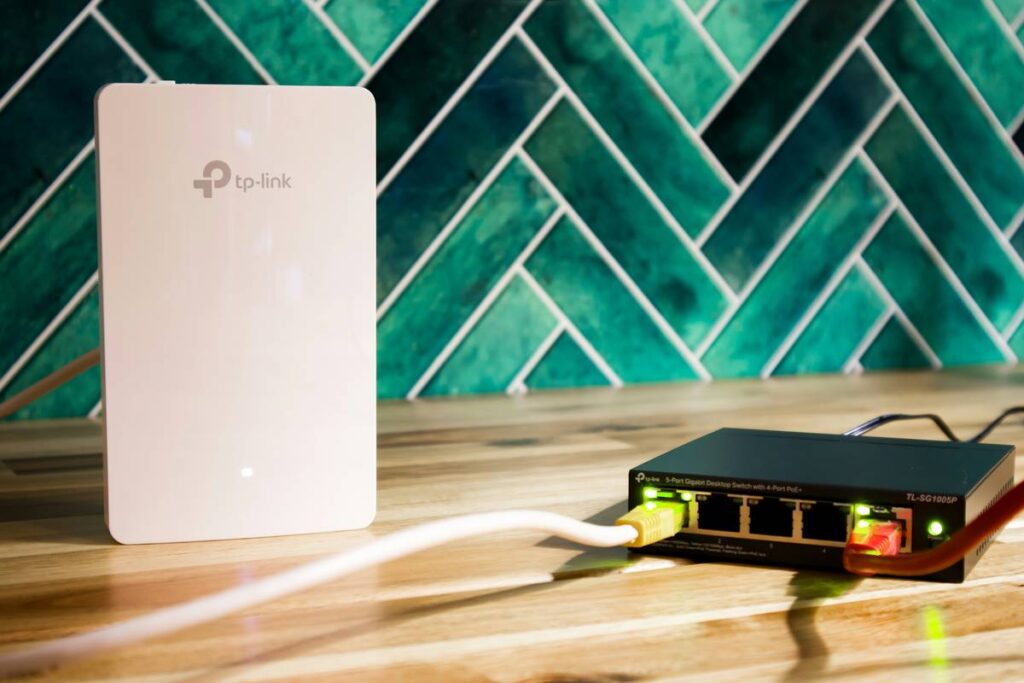
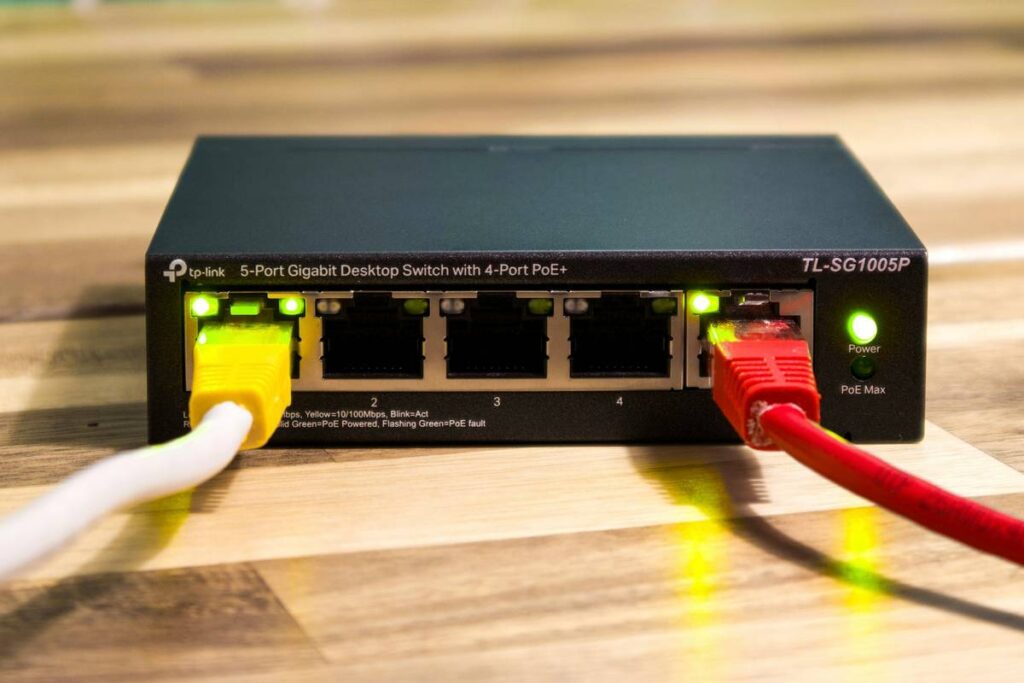
On Windows, use Windows Defender Firewall with Advanced Security to block all outbound traffic except to your VPN server’s IP and port. On Linux, iptables or nftables can drop non-tunneled packets at the kernel level—before they even hit the NIC.
Step 3: Deploy a Custom Kill Script (Optional but Powerful)
For advanced users: write a daemon that monitors tunnel status via interface metrics (e.g., tun0 RX bytes). If activity stalls beyond a threshold—kill critical processes or flush routes. This catches “zombie” connections that appear up but transmit nothing.
| Method | Effectiveness | OS Compatibility | Setup Complexity |
|---|---|---|---|
| App-native kill switch | Low-Medium | All | Easy |
| OS firewall rules | High | Windows, Linux, macOS* | Medium |
| Custom script + interface monitor | Very High | Linux, BSD | Hard |
| Router-level kill enforcement | Extreme | N/A (network-wide) | Expert |
Step 4: Validate with Leak Testing Tools
Run dnsleaktest.com and ipleak.net—while simulating disconnects. Better yet, use tcpdump during a forced tunnel drop. If you see plaintext packets hitting eth0 within 500ms of failure, your setup failed.

The Industry Secret: Kill Switches Are Only Half the Battle
Here’s what vendors won’t tell you: a perfect kill switch doesn’t prevent metadata leakage from background services. Your email client, cloud sync tool, or even NTP requests can fingerprint you—even with zero payload leaks.
The real pro move? Run everything inside a sandboxed VM or container that only routes through the VPN interface. If the tunnel dies, the entire environment goes dark. No app gets a chance to phone home. This is how threat intel teams operate—and it’s replicable on a $20 VPS or local QEMU instance.
Frequently Asked Questions
Does every VPN include a working kill switch?
No. Many free or budget services lack true network-layer enforcement. Always verify with leak tests.
Can I use a kill switch on mobile devices?
iOS restricts deep firewall access—use reputable apps with built-in kill logic. Android allows more control via AFWall+ on rooted devices.
What’s the risk if my kill switch fails?
Your real IP, location, and active sessions expose instantly during outages—potentially compromising anonymity or sensitive transfers.